
Discover all the affiliate secrets from the mVAS perspective!
Affiliate marketing from Beginner to Advanced
-
Part 1 - The basics of affiliate marketing
-
Part 2 - The affiliate network
-
Part 3 - Tracking Lessons
- Intro
- Adding Golden Goose network to your tracker
- Adding Golden Goose offers to your tracker
- Placing a Global Postback
- Placing postbacks for individual offers
- Adding landing pages to your tracker
- Adding Traffic sources to your tracker
- Building a campaign in your tracker
- Configure traffic back Campaign URL
-
Part 4 - Market Research and landing pages
-
Part 5 - Pop Traffic
-
Part 6 - Push Traffic
-
Part 7 - Additional Resources
How to download and clean ripped landing pages
Every time you download a landing page while doing market research (i.e. not generated by you), you need to make sure you clean them up and switch the links for the ones used by your tracker.
There are many ways to download landing pages depending on how you are acquiring/creating them. From the methods I explained above, if you’re buying the landing pages (Adplexity pack or other providers) or generating them in a builder such as PureLander, you just need to switch the CTA links for the ones used on your tracker.
That’s the easy part. If you’re acquiring landing pages from a spy tool or any manual market research you’re going to need to do some diligence and clean them up besides adding your links. That might be a bit more challenging.
Download landing pages
There are a few methods you can use to download landing pages at this moment. The first one is to simply save the page you’re visiting by right-clicking anywhere in the landing page background and then using the “save as…” function from your browser. This creates a folder in your desired location with all the HTML files and multimedia content.
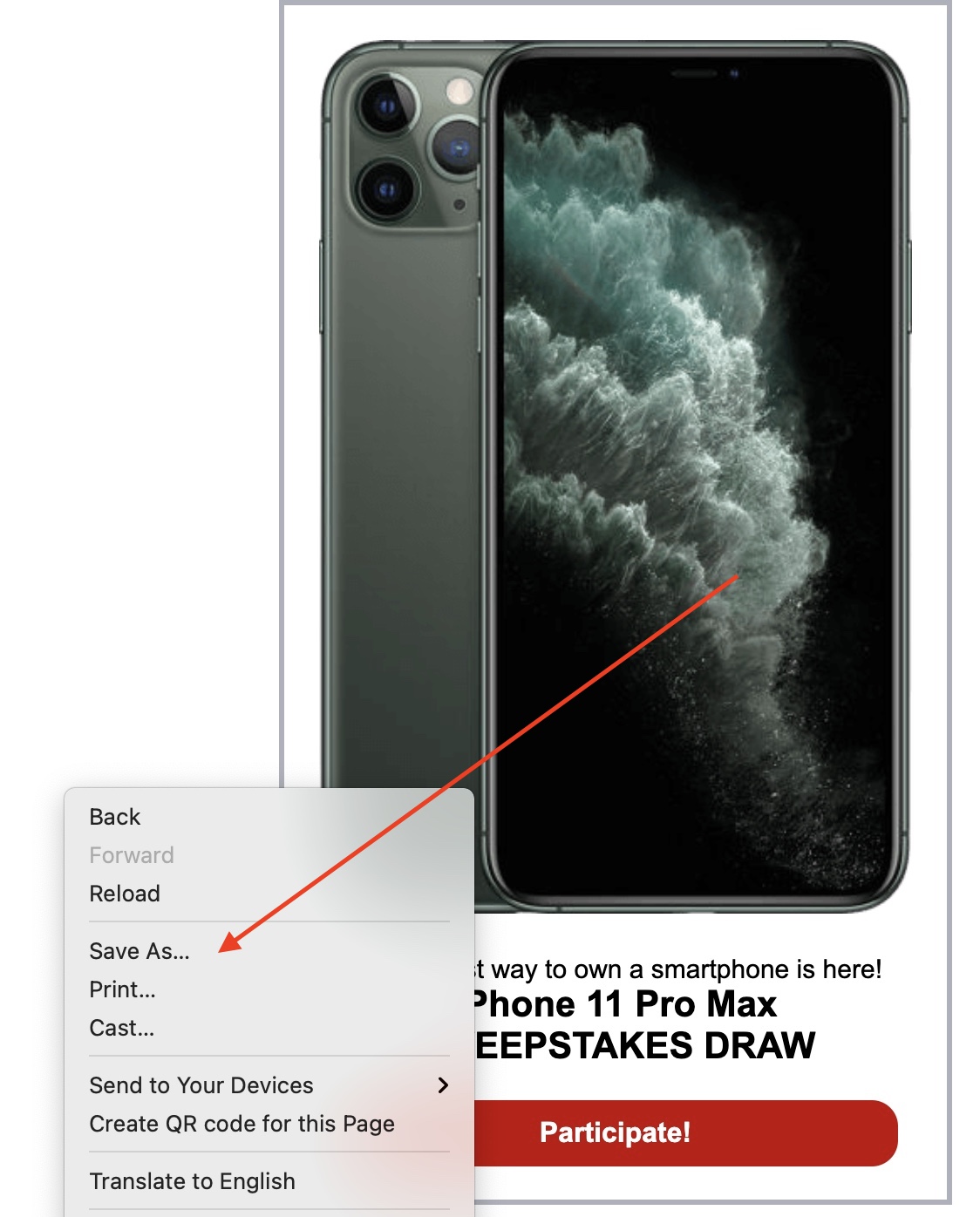
This can work with simple landing pages built 100% with HTML/CSS/JS, and sometimes you just need to check the links to see if they work correctly, including images, video, or sound.
However, some landing pages are more complex and it’s easier to download them using a tool that downloads every file including scripts, additional folders, etc.
To do this, there are two options. Use Site Sucker if you’re using a Mac, or HTTrack if you’re using a Windows PC. Site Sucker isn’t free, but it costs just a few bucks and it’s worth it. HTTrack is free as far as I remember, so there’s that.
Site sucker:

HTTrack:
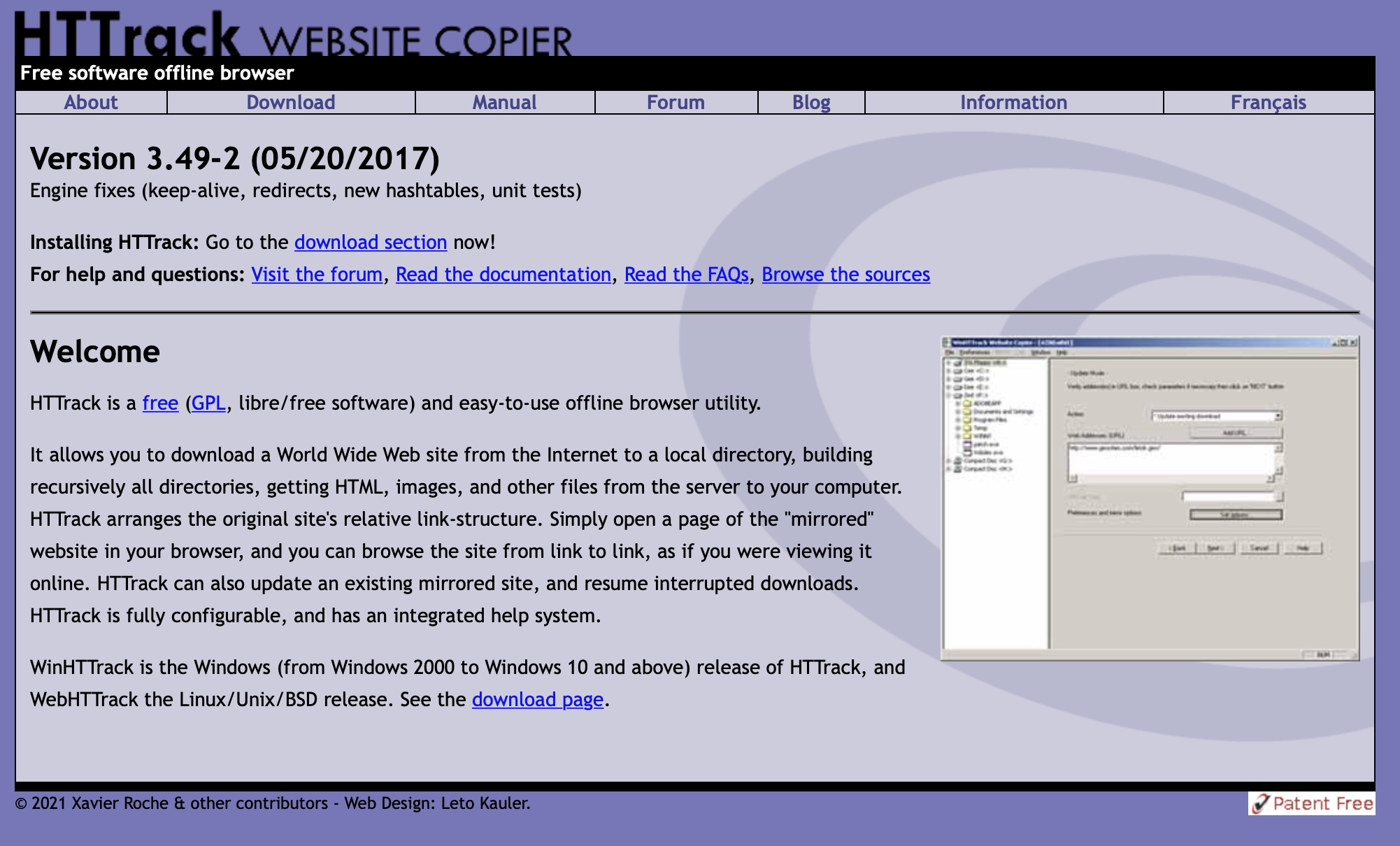
Using them is very simple and any tutorial on Google will help you. You input the URL from the landing page you want to download and select the folder where you want to save it and that’s it.
Now for the spy tools:
If you’re using a spy tool such as Anstrex or Adplexity, you’re already paying for a service that does this, so in many cases, it’s just a matter of clicking a “download” button and you’ll get a zipped file with all the landing page contents inside. We went over how to do that with Anstrex in the section before this.

This is a blessing in disguise for people who struggle with technical stuff, as you get all the data, best creatives, and landing pages ordered by popularity and you can download them with a click. I’d say it’s worth every penny.
Here’s how you download landing pages from Adplexity (another similar tool):
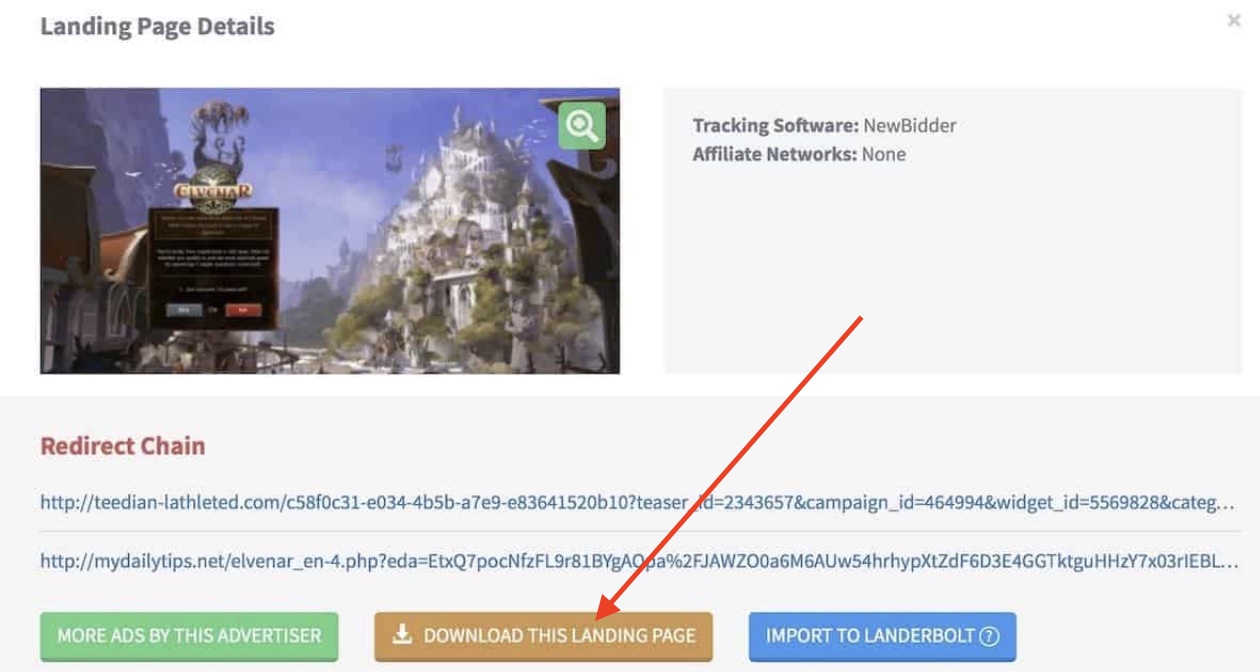
Just as a notice, sometimes I’ve seen that the downloaded pages from spy tools don’t work. The landing pages could be protected or no longer exist. If that happens, just go and download other landing pages and move on. Many times you’ll find similar landing pages from different publishers but some work and some don’t. Select other landing pages and don’t get stuck with one that doesn’t work.
Cleaning Landing Pages
Whether you like it or not, sometimes you need to clean landing pages for them to work. This happens because of multiple reasons including but not limited to:
- Images, audio, or video not working
- Original files were hosted in a CDN
- Hidden code to protect the landing pages of other affiliates
- Cloaked links
- Extra code that is not needed anymore
- Replacing the links it has for your tracker links
If this sounds like something too technical for you, I just want to mention some services that can clean the landing pages for you. You can find people who do it for a very reasonable price at forums like afflift, or if you use the landing page pack from Adplexity mentioned above or you’re creating your landing pages with a page builder like Purelander, you won’t need to “clean” anything.
Cleaning landing pages is mostly needed when you download landing pages from manual spying or spying tools.
Here are a few things you need to know when cleaning landing pages:
- Check all the files you have downloaded and open the landing page just to see if everything loads fine (images, buttons, gifs, audio, etc.). These files are normally HTML, CSS, JS and PHP, and multimedia files.
- Audit and clean up javascript code. If you remove it and the landing page still works correctly, you probably don’t need it
- Remove any external links going to other people’s offers, trackers, or CDNs and replace them with your own links. Search for links starting with “HTTP/HTTPS” or “//”
- Remove any unnecessary files in the folder you downloaded
- Check if any other files are loading using a tool such as gtmetrix, webpagetest, or Pingdom
I’ll leave a link to a more detailed guide about cleaning landers at the end of this guide in the resources section.
Again, if this sounds like too much for your skills, hiring someone to clean your landing pages from a forum or a coder is going to be a better idea, or simply start with landing page builders or landing page packs that are already clean and ready just to swap your links.
Search
 Searching...